01
Trend stage for every stock
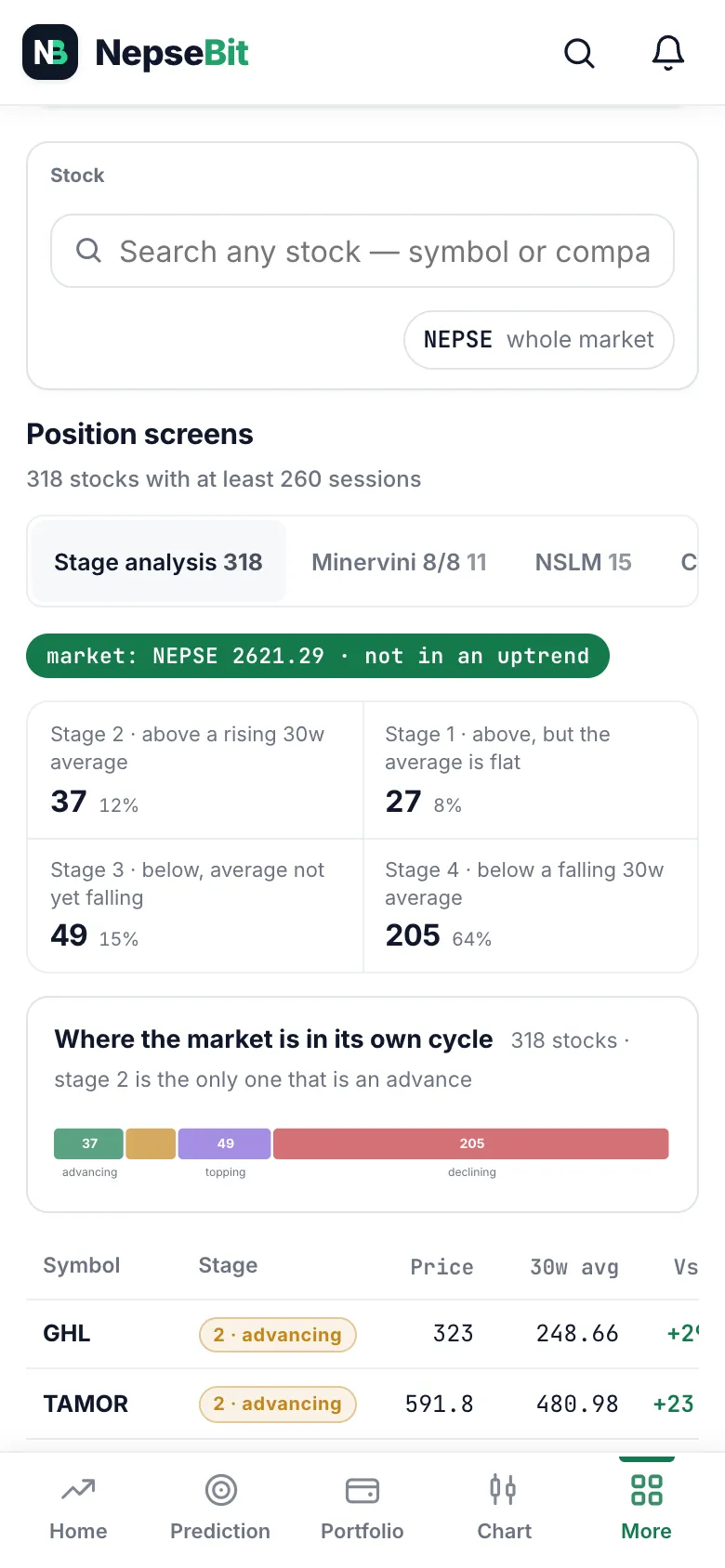
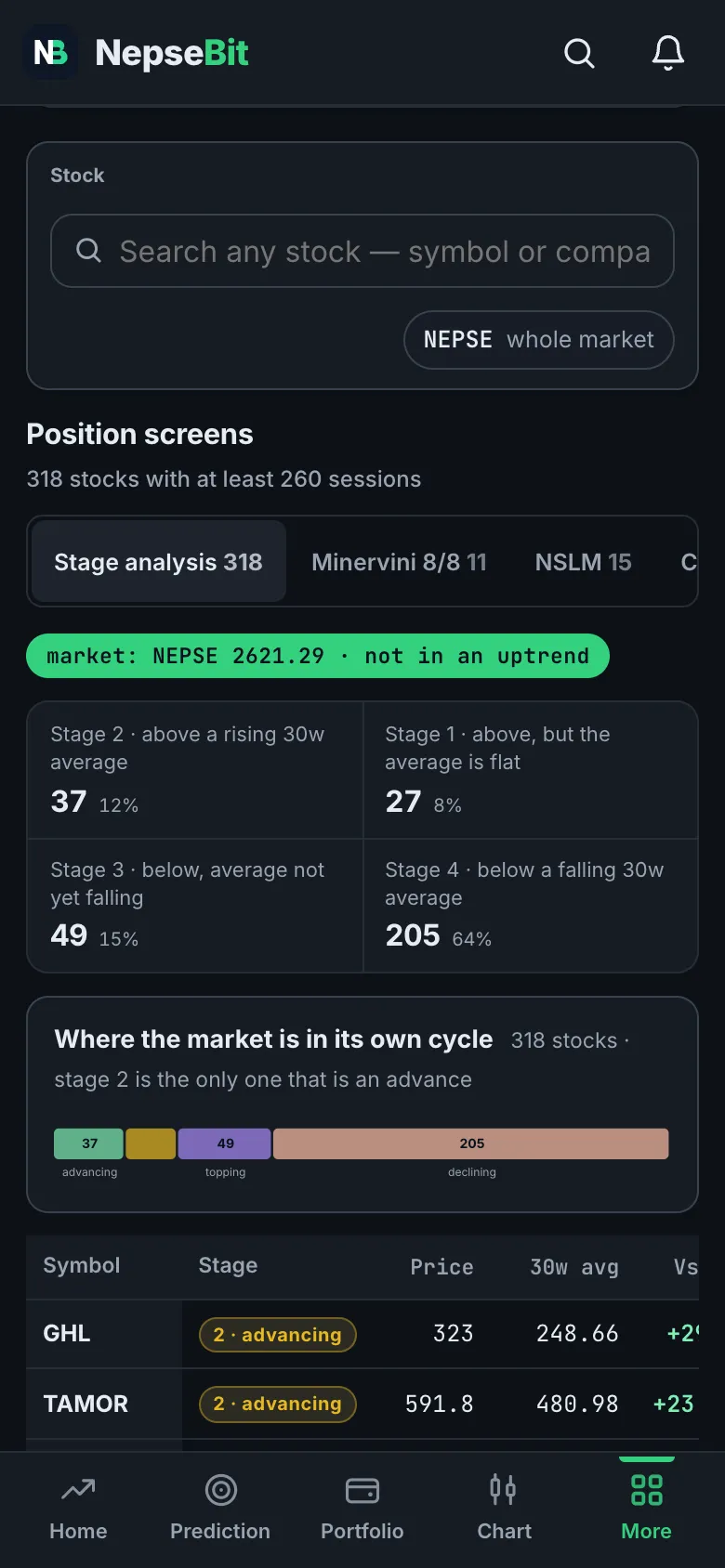
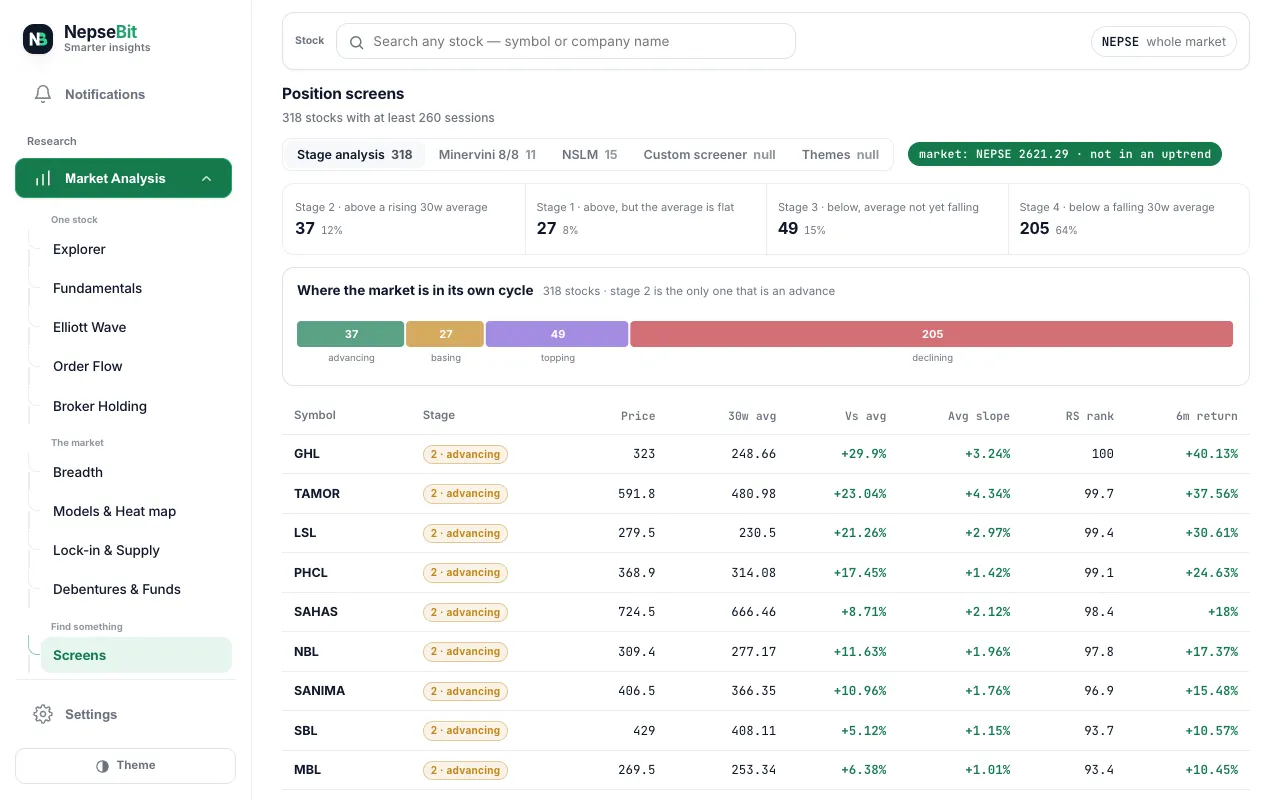
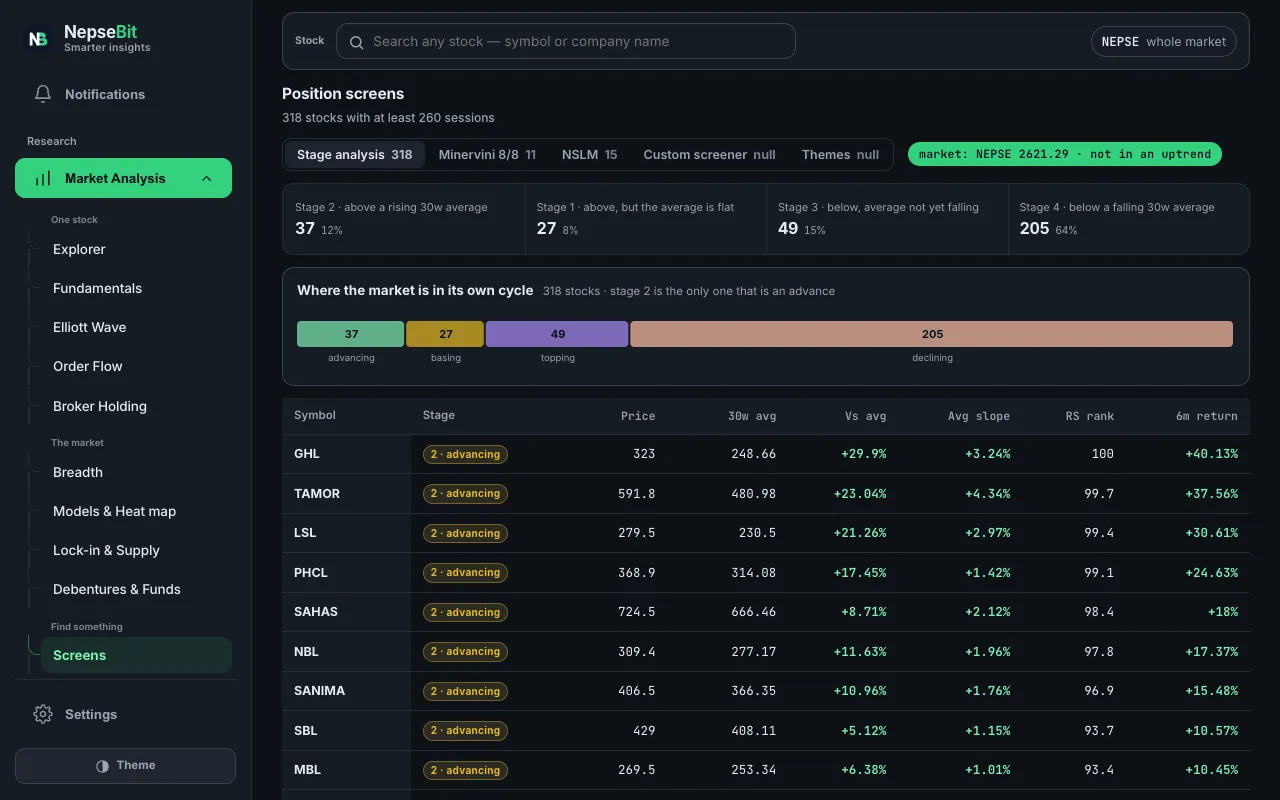
Each stock with at least a year of trading goes into stage 1, 2, 3 or 4, from basing to a falling trend.
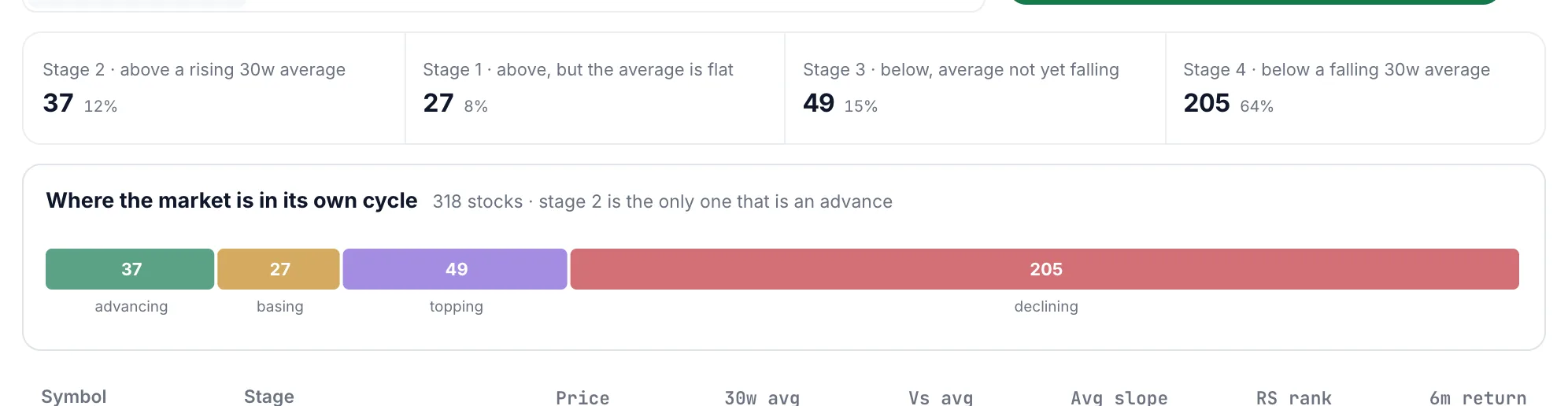
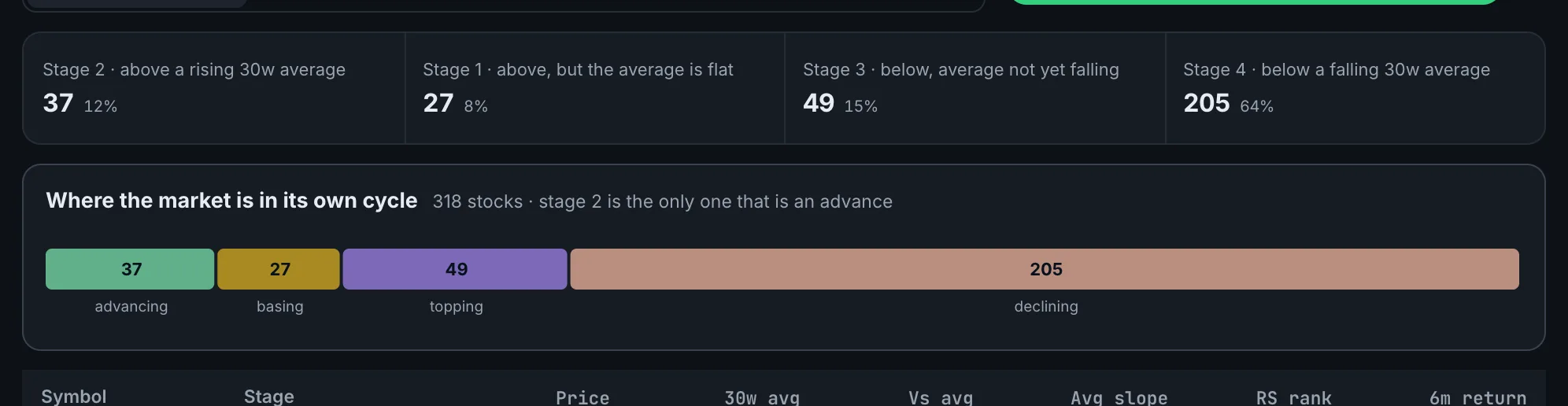
The screener sorts every stock with a year of history into its trend stage, or checks it against the Minervini template. The scanners look for chart patterns, and each one is tested before it’s shown.
01
Each stock with at least a year of trading goes into stage 1, 2, 3 or 4, from basing to a falling trend.
02
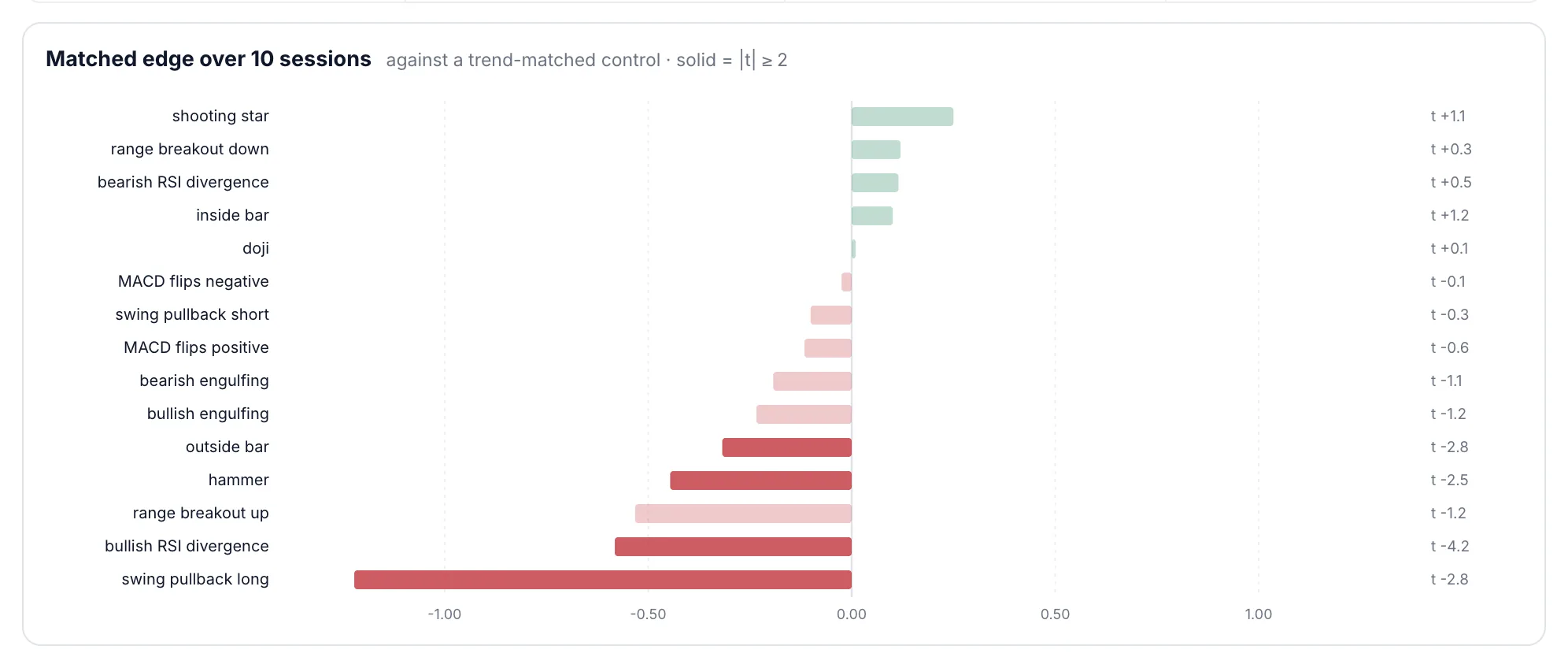
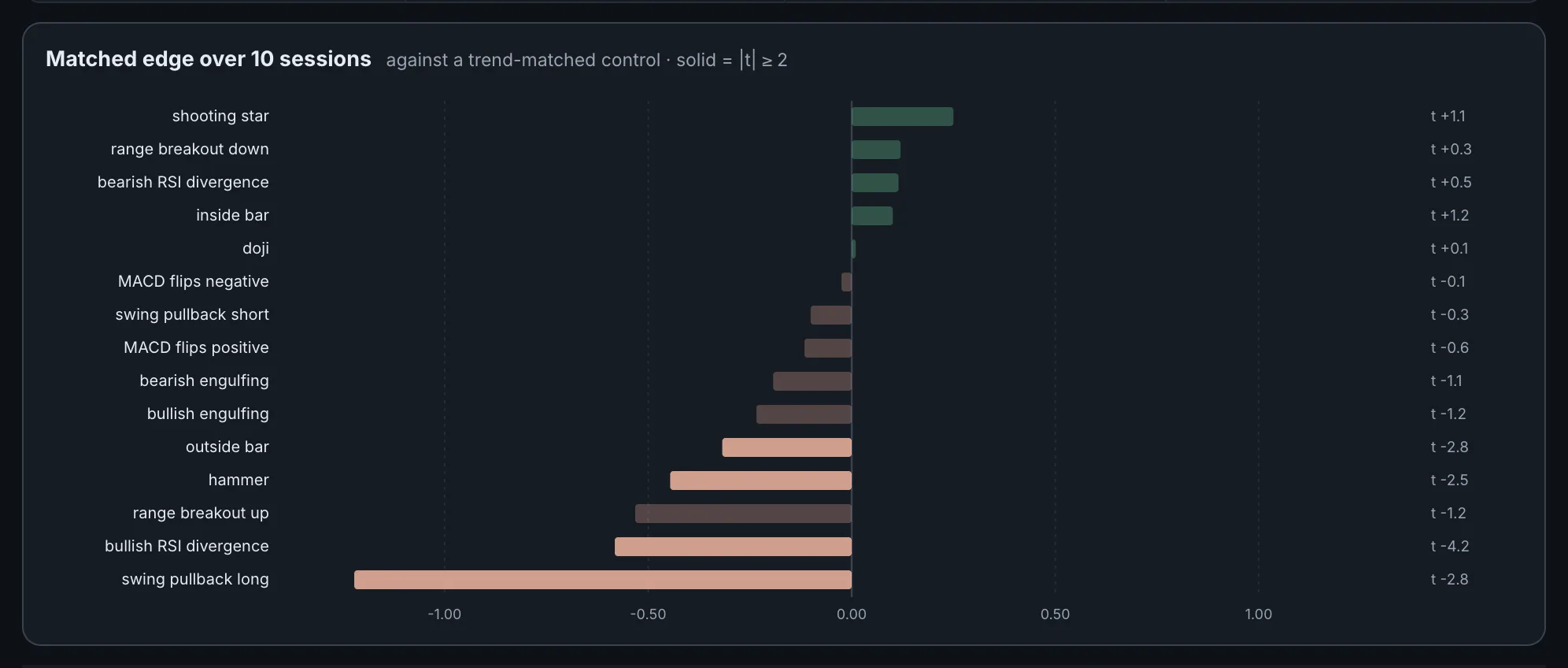
Every pattern is checked against similar stocks in the same trend over more than 500,000 bars, and the page shows how many hold up.
| Stage analysis | Stage 1 to 4 for stocks with a year of history |
|---|---|
| Trend template | Stocks passing the Minervini 8-point template |
| Custom screener | Your own rules, saved |
| Scanners | Candles, Fibonacci levels, multi-timeframe and swing setups |
| Tested edge | Each scanner compared with a trend-matched control |
It’s live at nepsebit.com and opens in a new tab. No account needed.